Most of the prompts in our gallery arrived from X, written by artists and hobbyists in English, Chinese and Japanese. Read enough of them and the surprises stop: the popular ones are not lucky word soup. They are five decisions, made in roughly the same order, each one answering a question the model would otherwise answer for you.
1. The subject anchor
Before anything else, the prompt fixes what is in frame: "a portrait of a young woman", "a fox-eared girl standing on a mountain trail". Strong prompts anchor this with a noun a stranger could draw — species, age, one identifying feature — and stop there. Weak prompts describe the subject with adjectives ("beautiful", "stunning") that the model has to interpret, which is how you end up with a stock face.
2. Styling and wardrobe
The second move gives the subject a costume and a context: hanfu, a bomber jacket, a school uniform, armor with a specific color scheme. This layer is what makes a prompt feel like a person's idea rather than an average of the training data. It is also the safest layer to swap when remixing — change the wardrobe and the whole image reads differently while the composition survives.
3. Camera and light
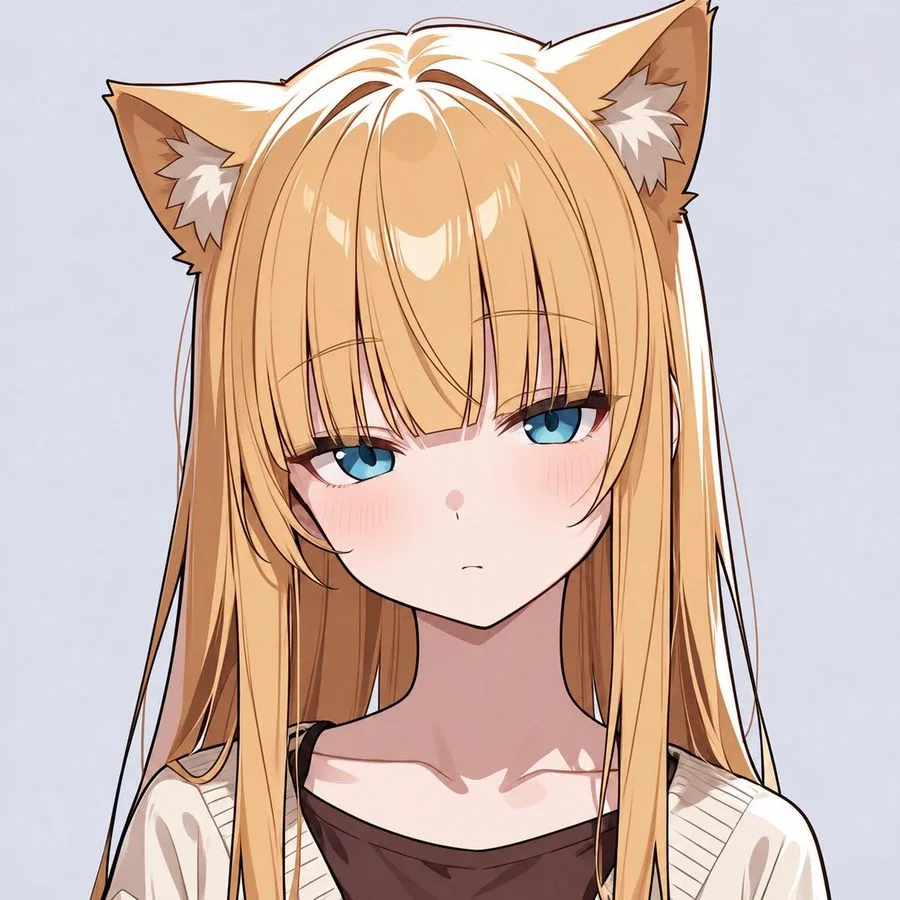
This is the layer hobbyists skip and professionals never do. Naming the camera ("shot on a CCD compact", "85mm lens, shallow depth of field") and the light ("direct on-camera flash", "window light from the left") is what separates an image that looks photographed from one that looks generated. You can watch this layer do all the work in this blonde catgirl portrait: the rendering style is anime-adjacent, but the lighting decisions give it a photographic spine.
4. Mood and texture
One or two words that set the emotional register and the surface: "dreamy", "melancholic", "grainy", "crisp and clean". This layer acts as a multiplier on the three above — the same subject, wardrobe and camera read completely differently with "nostalgic" versus "clinical" attached. It is also where most prompts overreach: stacking five mood words gives the model contradictory instructions and you get mush.
5. Format and framing
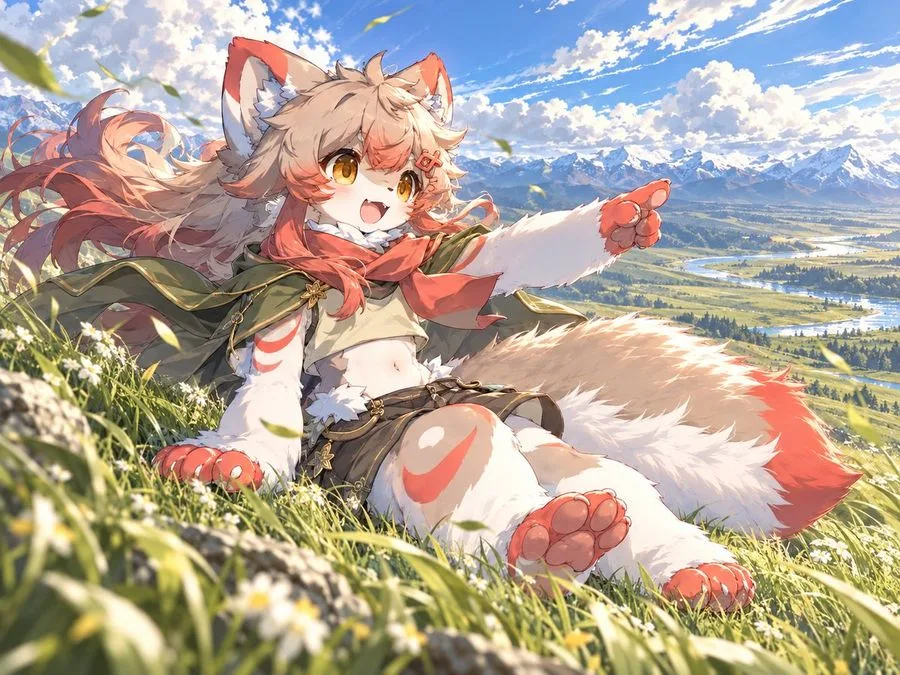
Finally the practical decisions: aspect ratio, full body versus bust, centered versus rule-of-thirds, whether the subject fills the frame. Portrait prompts in our library that spread furthest almost always specify something concrete here — a vertical 9:16 crop, a three-quarter view, a deliberate amount of headroom. You can see the format decision made explicit in this fox girl prompt, where the mountain-vista composition is as much of the appeal as the character.
Reading one for real
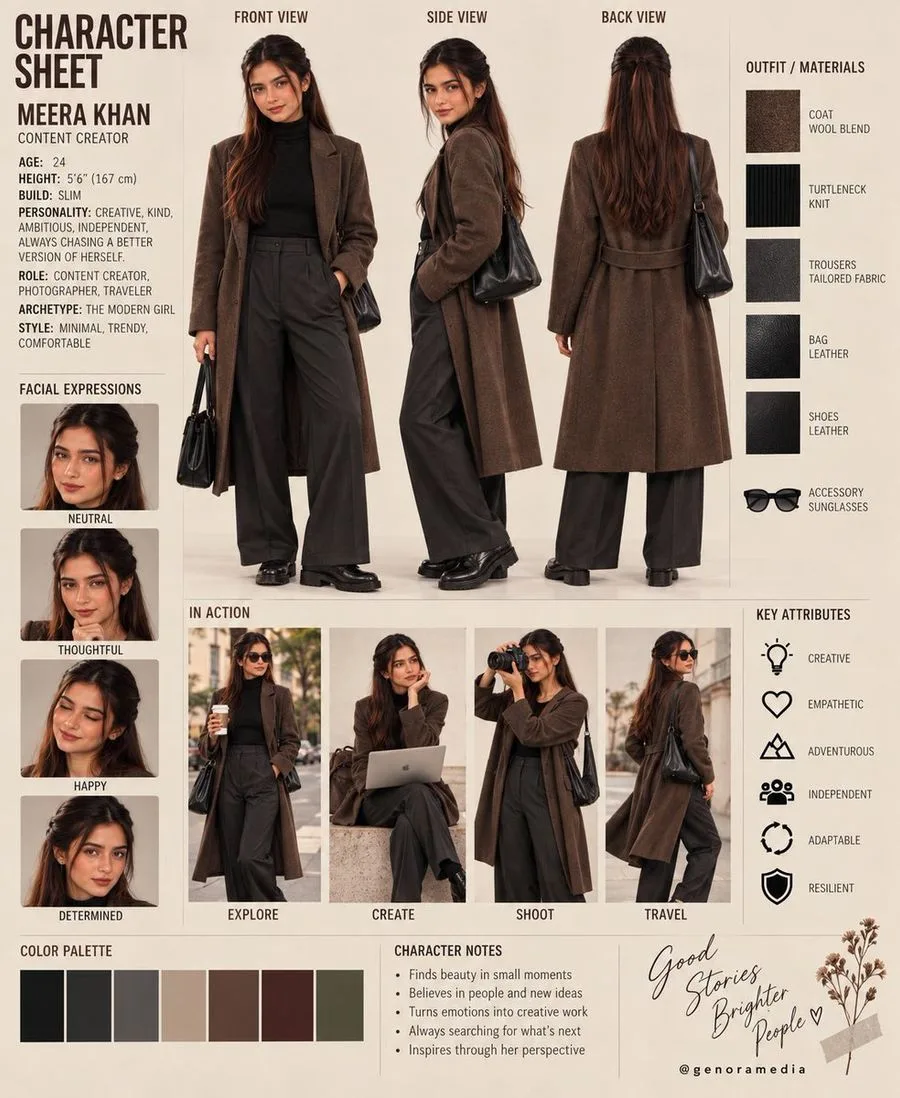
Take the editorial character reference sheet. In order: a character as the subject anchor; editorial styling with specific garment pieces; camera language borrowed from fashion photography; a mood set by "editorial" itself — cool, composed, catalog-like; and a format that is literally a sheet, multiple views on one canvas. Five moves, none of them decorative, each one closing a door the model would otherwise walk through on its own.
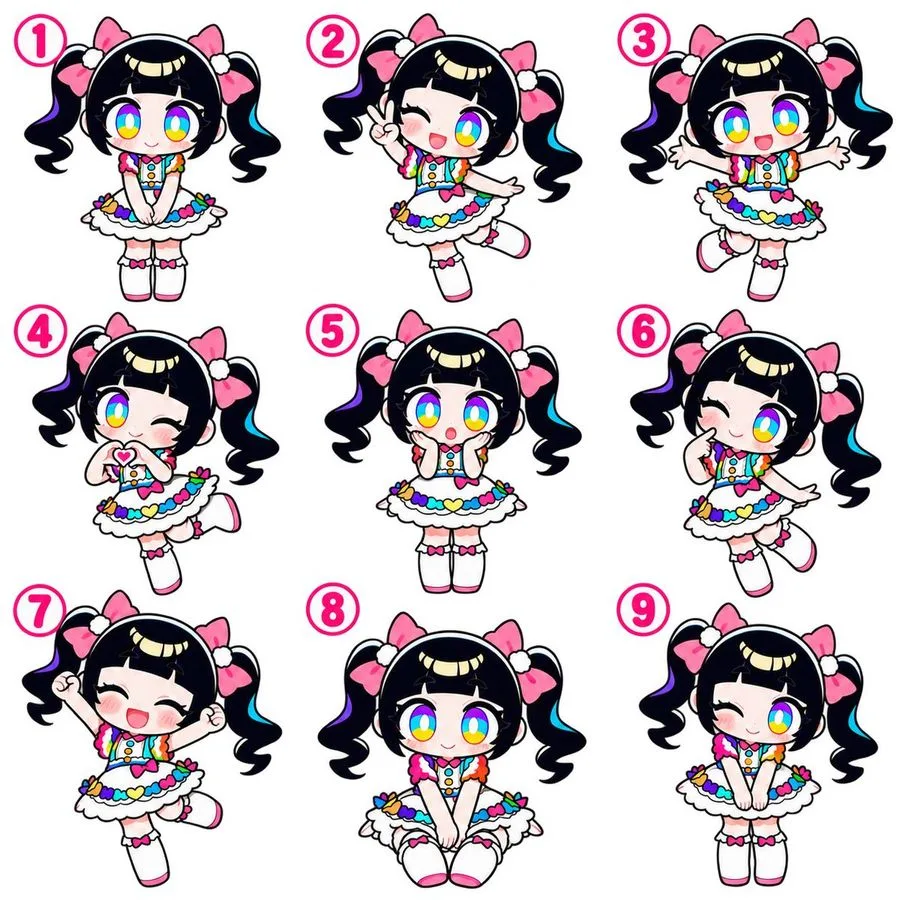
The same structure shows up in prompts that look nothing alike — this chibi idol pose sheet runs the identical five-step sequence, just at a completely different scale and register.
Using this when you browse
Next time you copy a prompt from the gallery, read it in these five passes first. Decide which layer you actually want to change — usually styling or mood — and leave the others alone for one round of generation. Change one layer per iteration and you can hear each one speak. Change all five at once and you have written a new prompt with no idea what any of it did.
Every prompt page on this site carries an editorial note that does this reading for you: what the image shows, which words are load-bearing, and what to swap. Use them as worked examples, then do the same for any prompt you find anywhere else.