Captcha Grid Illustration
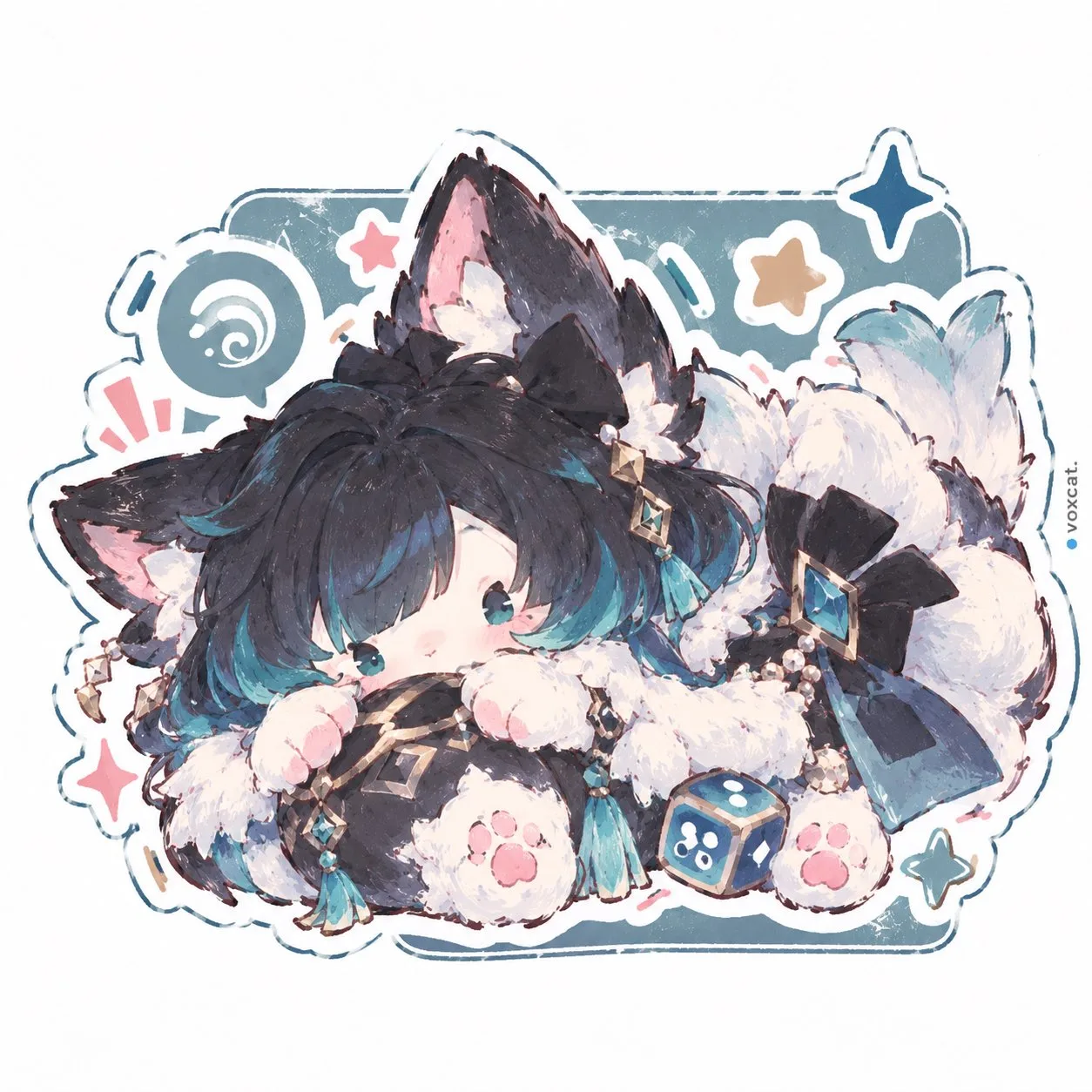
・画像上部の青色(# 4169E1)のヘッダーには、一行目に少し大きく「信号機」、2行目からは「の画像を全て選択してください」と白文字(# FFFFFF)で書かれています ・画像下部の右下には、青色(# 4169E1)の「確認」ボタンがあり、文字は白色(# FFFFFF)です ・Webでみかけるような人間かロボットを判別するイラスト ・選択画像は 4x4のグリッドで並んでいます ・各グリッドの画像には都市の風景イラストが映されています ・画像の中には「信号機」が映った都市の風景イラストが3枚あります ・各風景のイラストには「参照画像」のキャラが映っています ・参照画像のキャラは様々なポーズを各グリッドでしています(全てのグリッドでポーズが違います) ・最後に以下の条件を守ってください ### キャラクター 再デザインや再解釈を行うことなく、そのアイデンティティ、顔立ち、年齢の印象、体型、衣装を忠実に再現すること ### スタイル 参照画像と同じ「オリジナルの画風」「イラストの表現様式」「視覚的表現」を厳密に維持すること 線の太さや質、描画技法、彩色方法、そして全体的な雰囲気を変えないこと スタイルの変更、再解釈、アレンジは一切行わないこと ### 色 参照画像と同じ「オリジナルのカラーパレット」を正確に維持すること
About this prompt
A captcha grid illustration demands meticulous attention to visual cues. The prompt asks for a 4×4 grid of city‑scapes, each featuring a traffic light, with three of the images containing the signpost. Around this grid is a blue header (hex #4169E1) that reads "信号機" in a larger typeface and "の画像を全て選択してください" below in white (#FFFFFF). The lower right corner holds a blue "確認" button, also in white. The overall tone is clean UI‑style, the images are simple line illustrations of urban scenes filled with vibrant color. The blue background provides a subtle contrast to the white text and teal accents; the 4×4 layout gives the task a structured, grid‑like feel. The illustration style is strictly kept consistent with the original reference: lines have exactly the same thickness, texture, and shading, while the figures in each picture vary pose to offer visual diversity. Palette fidelity is also enforced – the same hues are used to preserve the original mood. If you want to reuse this prompt, switch the traffic‑light motif to another object (e.g., a stop sign) and adjust the header text accordingly. Keep the grid layout, color code, and line‑art instructions to preserve the UI feel, but feel free to replace the city background with another environment, such as a beach or forest, if you want a different setting.
More like this