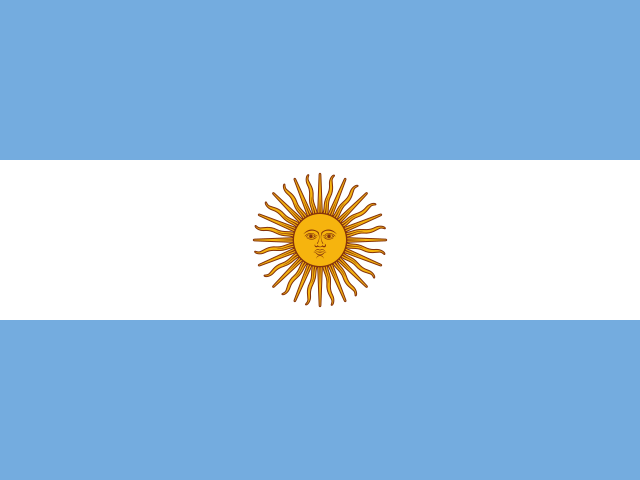
Fullscreen Flag
235 flags
How to use it
- 1
Pick your flag
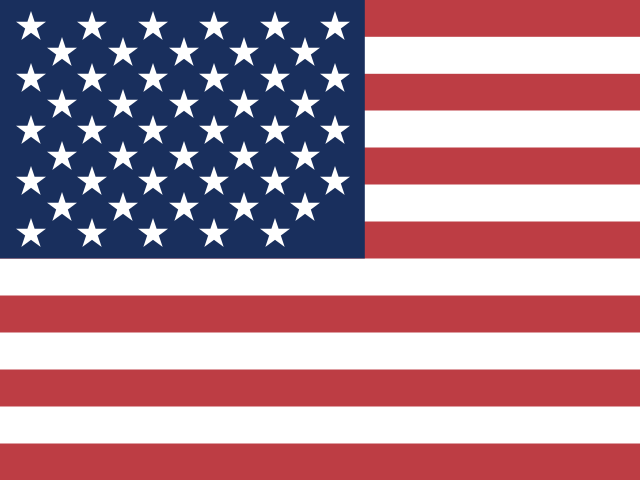
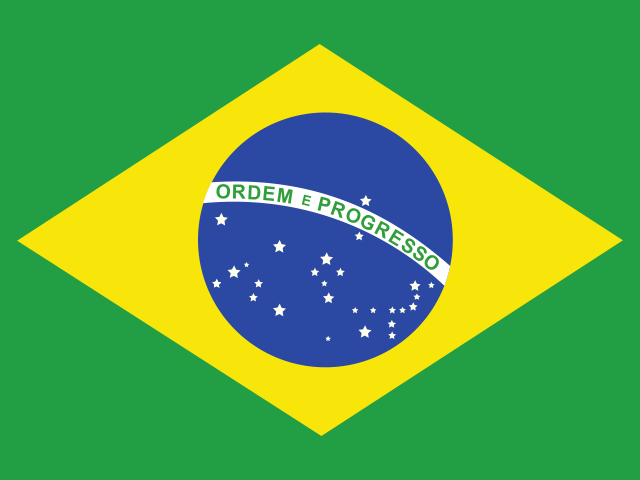
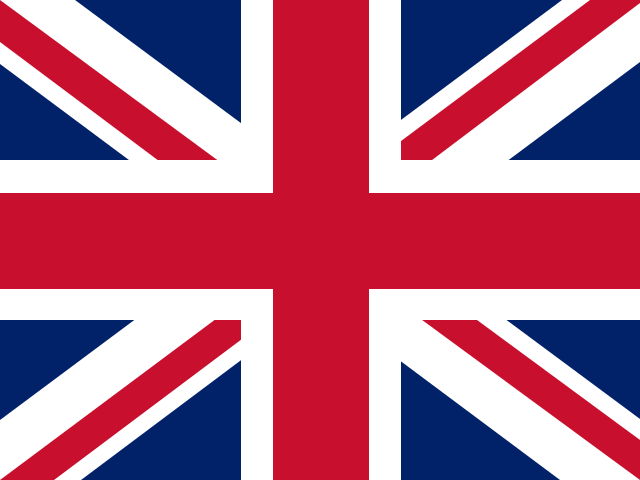
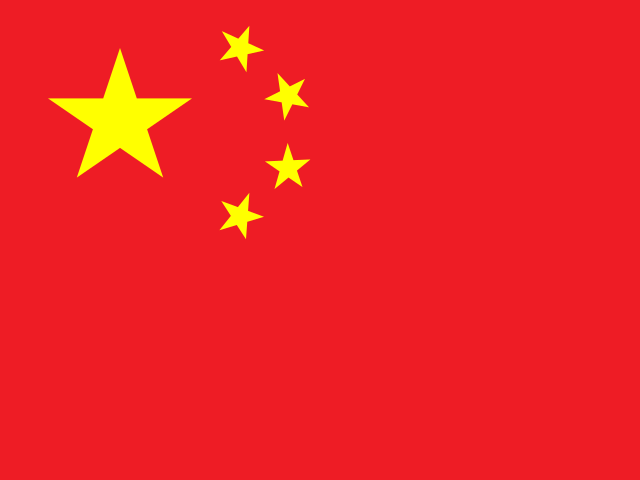
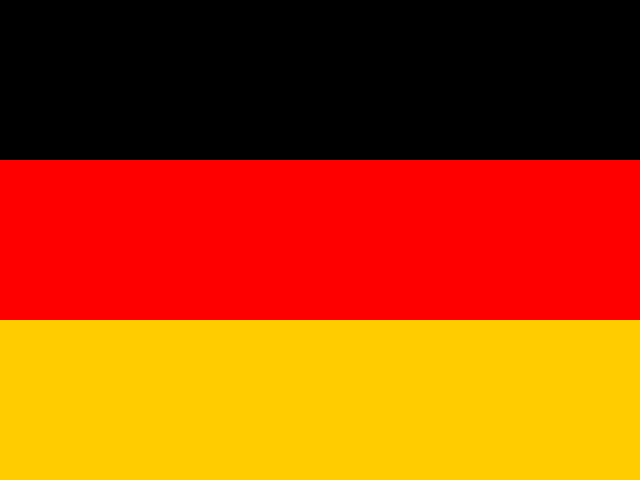
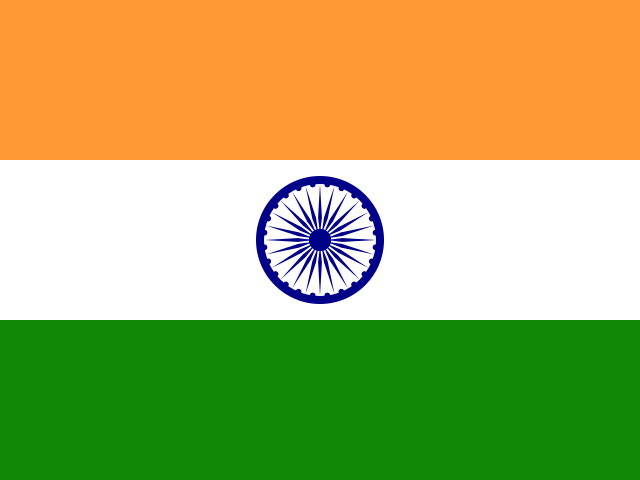
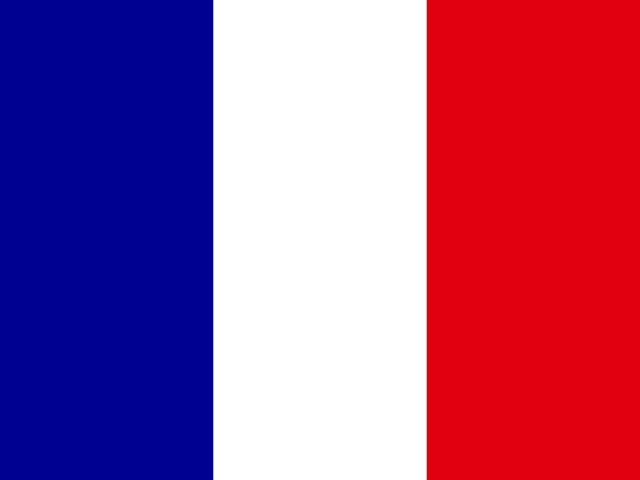
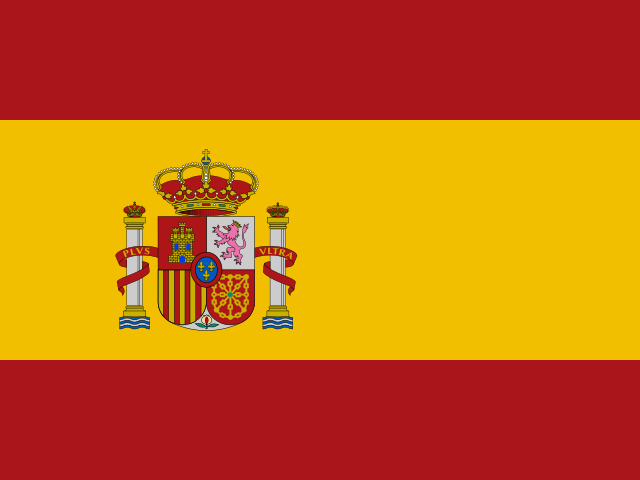
Every country is here, plus the territories and home nations people actually fly at matches. Search in English or Chinese, filter by continent, then tap.
- 2
Hold it up
The flag takes over the whole screen. A screen wake lock keeps your phone from dimming mid-match, and a single tap brings the controls back whenever you need them.
- 3
Fit or fill
Fit shows the whole flag over a blurred extension of itself — no black bars, true proportions. Fill stretches the flag to every corner of the screen: proportions relax, but every star and stripe stays visible — at a stadium a missing star shows far worse than a wider stripe.
- 4
Built for stadium Wi-Fi
Flags load once with the page; after that the display works with no connection at all, so a congested arena network can't blank your flag. Add the page to your home screen before you go.
Before kickoff
Light browser games that pass the wait — no installs, no accounts, playable in a tab.