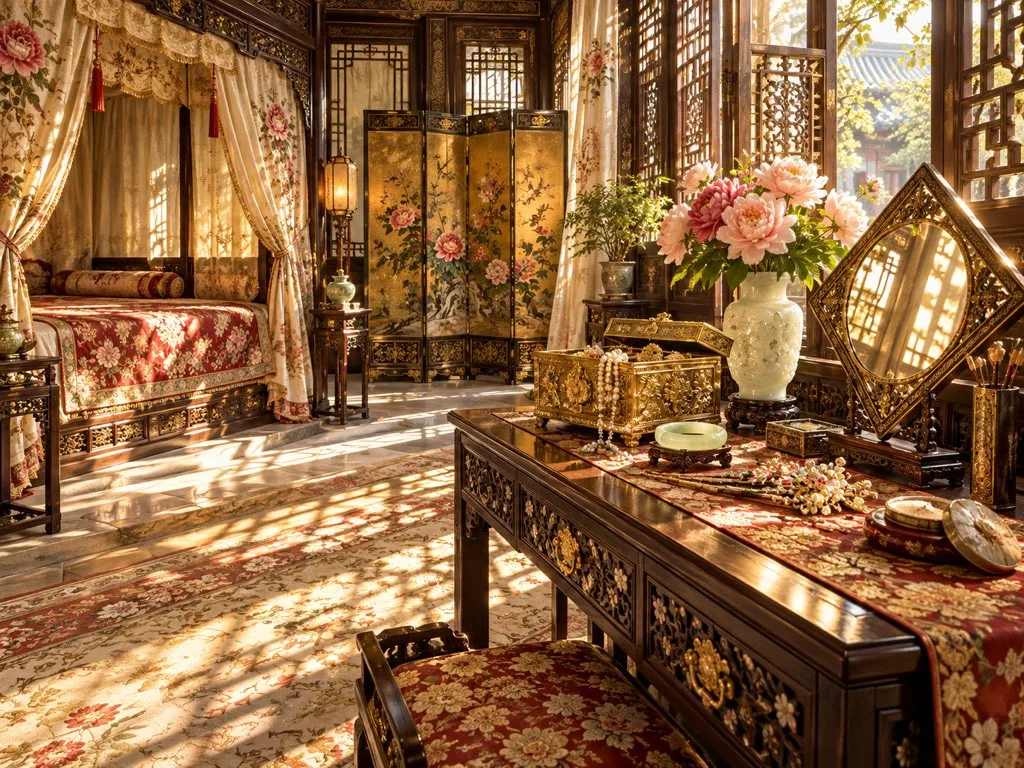
Add Pink Eye Highlights
Using the provided reference image, add two thin pink circles to highlight the character's eyes. Keep all other elements of the original image unchanged.
About this prompt
The prompt directs the addition of two thin pink circles that highlight the character's eyes, while leaving all other aspects unchanged. In the given illustration, these subtle color accents will immediately draw attention to the gaze, adding a playful and vibrant twist. This effect depends on the precise placement of the circles: two small lantern‑shaped rings are positioned just above or beside the pupils, matching the eye shape. The pink hue contrasts gently with the surrounding skin, creating a gentle glow without overpowering the existing color palette or lighting. If you wish to modify this, keep the positioning logic but change the color to another warm tone—e.g., peach or light yellow—to suit the desired mood. Alternatively, experiment with thicker rings or multiple rings around each eye to amplify the visual impact, remembering not to shift the original composition.
More like this